 Ironstone
Collecting client payments
Connect your payouts once. Each client then pays you by card through the approval link, at your price, every month.
Connect payouts
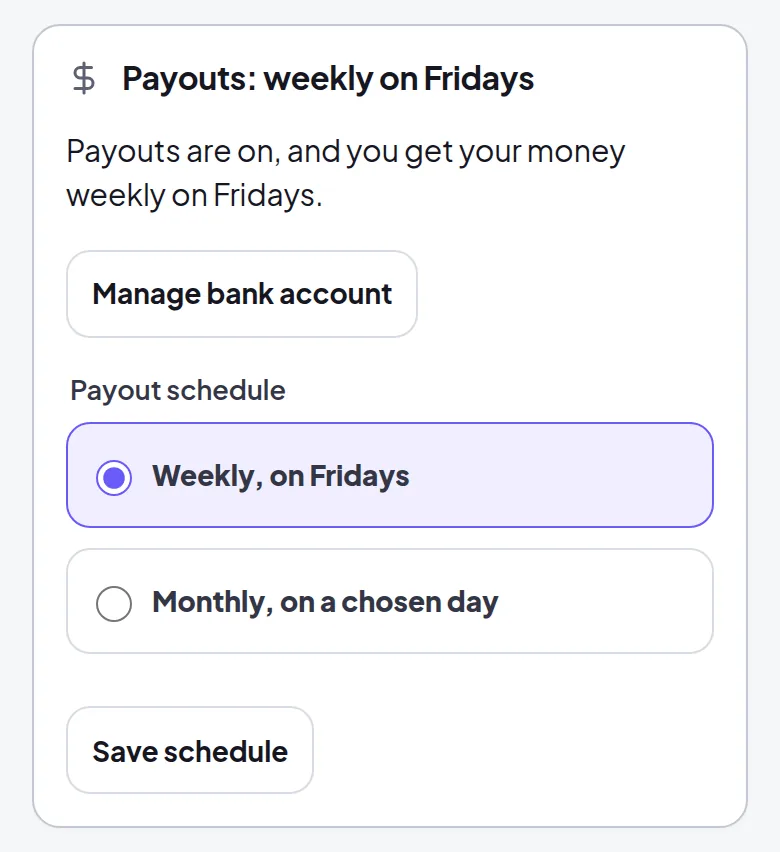
- Select Connect payouts in your partner dashboard.
- Sign in and enter your bank details on the secure payment page.
- Return to your partner dashboard to check that payouts are connected.
- Your clients can pay as soon as your payouts show as active.
Your money reaches your bank weekly on Fridays, monthly on a day you choose, or every business day on the Agency plan.
How your client pays
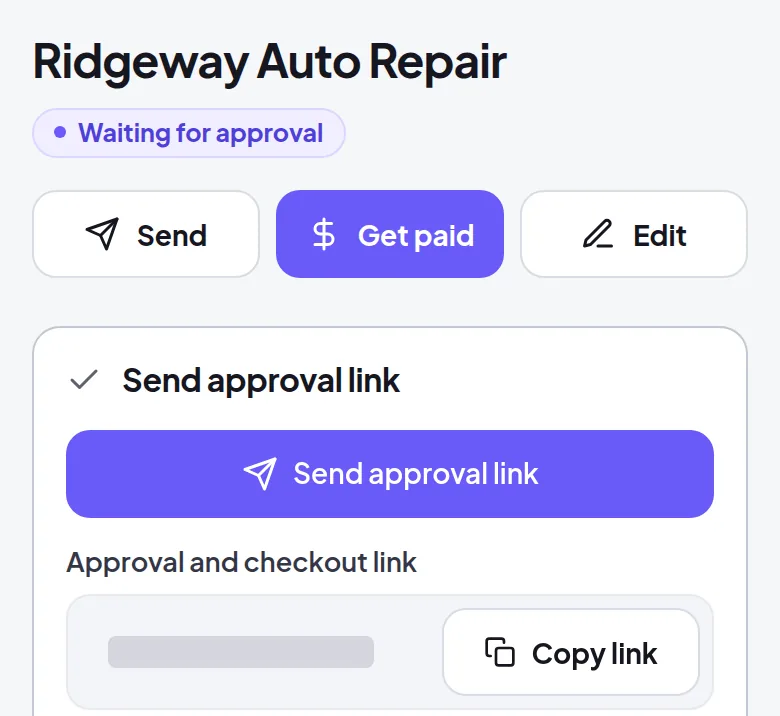
- When the business says yes, send the approval link from the website's page.
- It opens a secure card payment page in your name, with your monthly price and any setup fee.
- When they pay, the website goes live at its address in a few minutes, and the business appears under Clients in your account.
- Your share reaches your bank on your payout schedule.
Clients subscribe monthly and maintain the option to cancel at any time.
Frequently asked questions
A client opens the approval link before your payouts are connected.
They can approve the website, and we ask you to connect your payouts. Send the link again so they can pay.
A client's card is declined.
We retry the card and show reminders when they sign in, in your name. The website stays online for 14 days while we retry.
A client asks for a refund.
You can refund any amount up to the original payment from your Clients page within 30 days of their first payment.
Payout setup asks for your website.
Your storefront address is your website. We fill it in when you set up payouts, and you can change it anytime in Account details on Plans & Billing.
You change your storefront address.
Your old address forwards to your new one. If your payout account still shows the old address, update it under Account details on Plans & Billing.
You get your own website later.
Add it under Account details on Plans & Billing if you want to. If your payout account needs to check the new website, it tells you on Plans & Billing.
Related guides
Screens and businesses shown are fictional.