 Ironstone
Set up your storefront
Sign in with Google or an email code, name your storefront, set your prices, and share your link.
Sign in
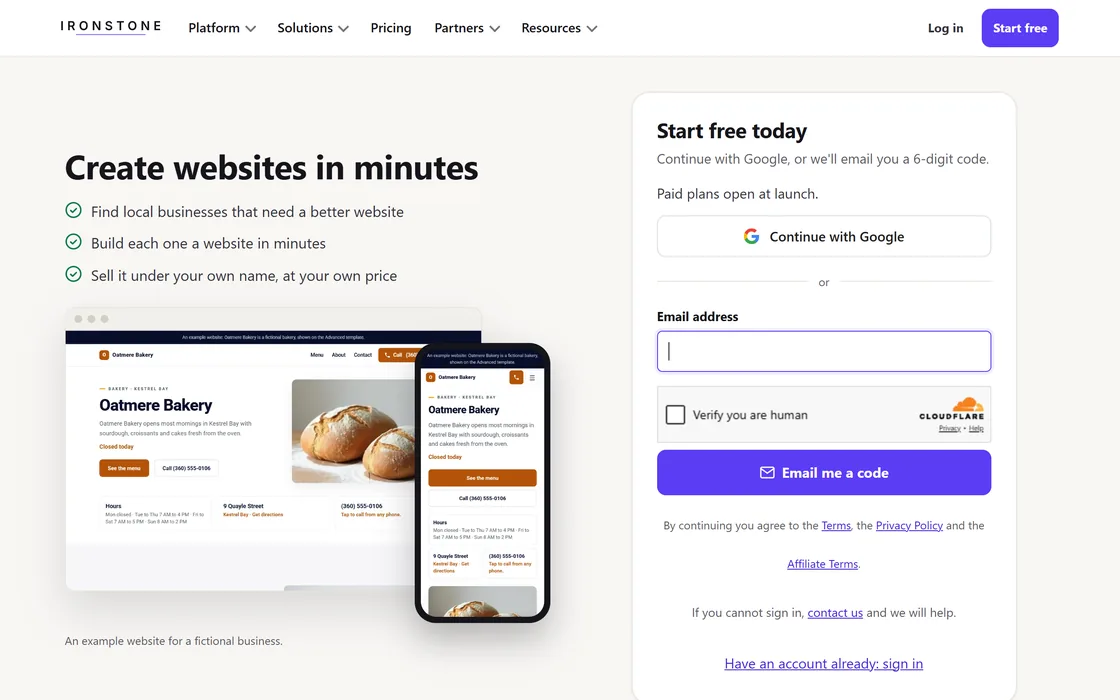
- Go to app.ironstonedesign.com and choose Continue with Google, or enter your email address for a sign-in code.
- Enter the 6-digit verification code sent to your email; each code is single-use and expires after 10 minutes.
- Select Set up later to explore the platform first. You can build websites before naming your storefront.
If a verification code expires or has been redeemed, the page prompts you to request a new code.
Set up your storefront
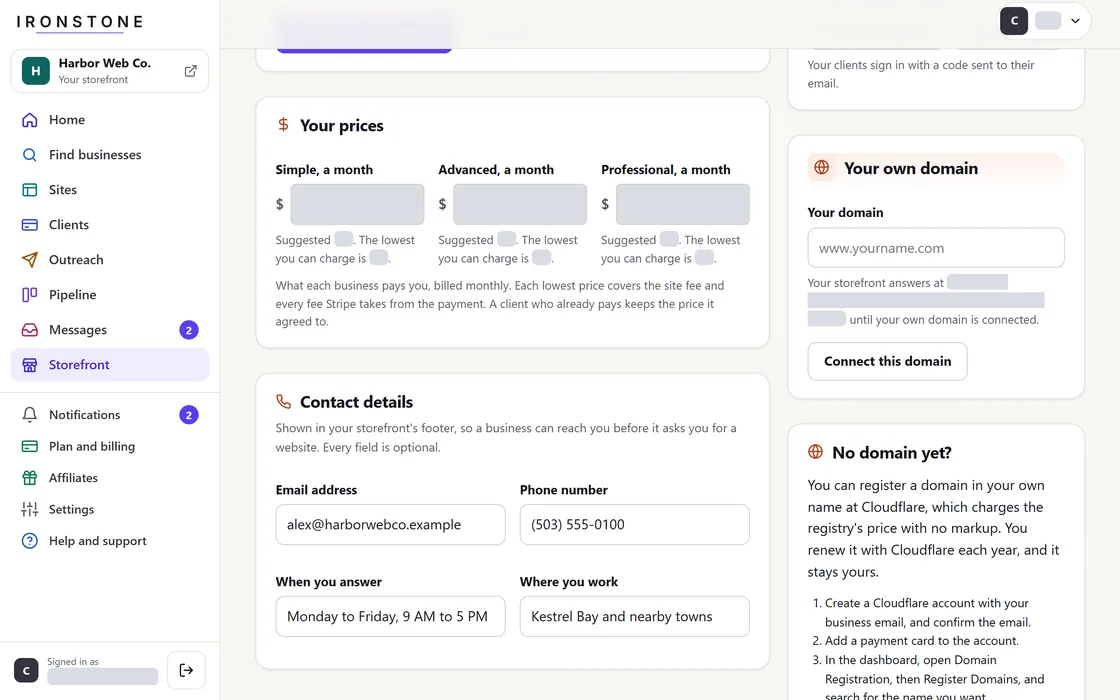
- Enter your storefront name, which displays to clients across all pages.
- Select your operating country to determine plan configurations and payout processing.
- Set the monthly price you charge a business for a website. We suggest a price, and you can see the lowest price you can charge.
- Select Open your storefront to publish your storefront immediately.
- You can add your logo and button colors later under Storefront, Your look.
You can change your prices any time under Storefront, Your pricing. Clients who already pay keep their price, and new prices are for new clients.
Share affiliate link
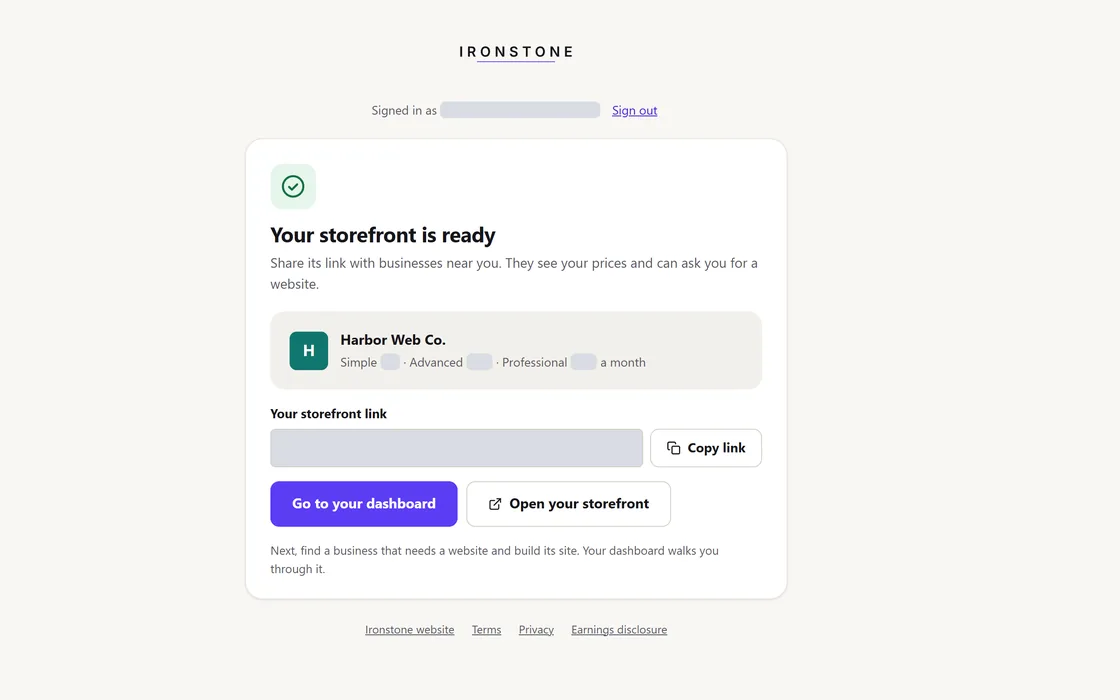
- Copy your storefront URL from the post-setup confirmation page or your dashboard.
- Embed the URL into your email signature, social media profiles, or direct communications.
- Businesses visiting your link will see your branding and prices, and can request a website.
Your storefront shows only your brand. Client payments start arriving once you connect your bank account.
Frequently asked questions
The authentication email has not arrived.
Inspect your spam folder, then select send a new code on the verification page; requests are throttled to once every 30 seconds.
Explore the platform before setting up your storefront
Choose Set up later to build websites before you name your storefront. A storefront comes with the Launch plan and up.
What information is visible to a client business?
Businesses see your brand name, logo, prices, and a website request form.
Related guides
Screens and businesses shown are fictional.