Build a site
Generate a complete site in minutes using only a business name and a brief description.
Build the website
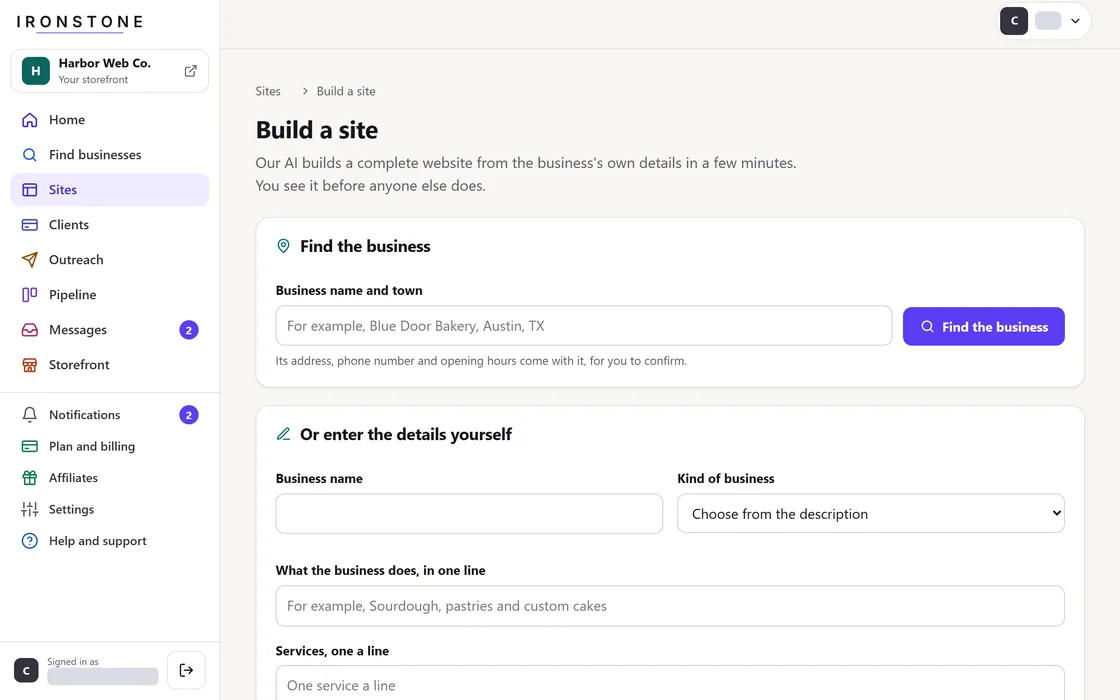
- Press Build website on any search result, or open Build website from the menu.
- Enter the business name and a short line about what it does.
- If the business already has a website, we import its text, products, and photos to start from.
- Your dashboard displays the site status as building.
- An Open website button appears when the website is ready.
Every website build uses up to 12 credits from your plan. We show the maximum cost before you start. You pay for what it uses, including 1 credit for each picture our AI makes. A build that doesn't finish costs nothing.
Review site before delivery
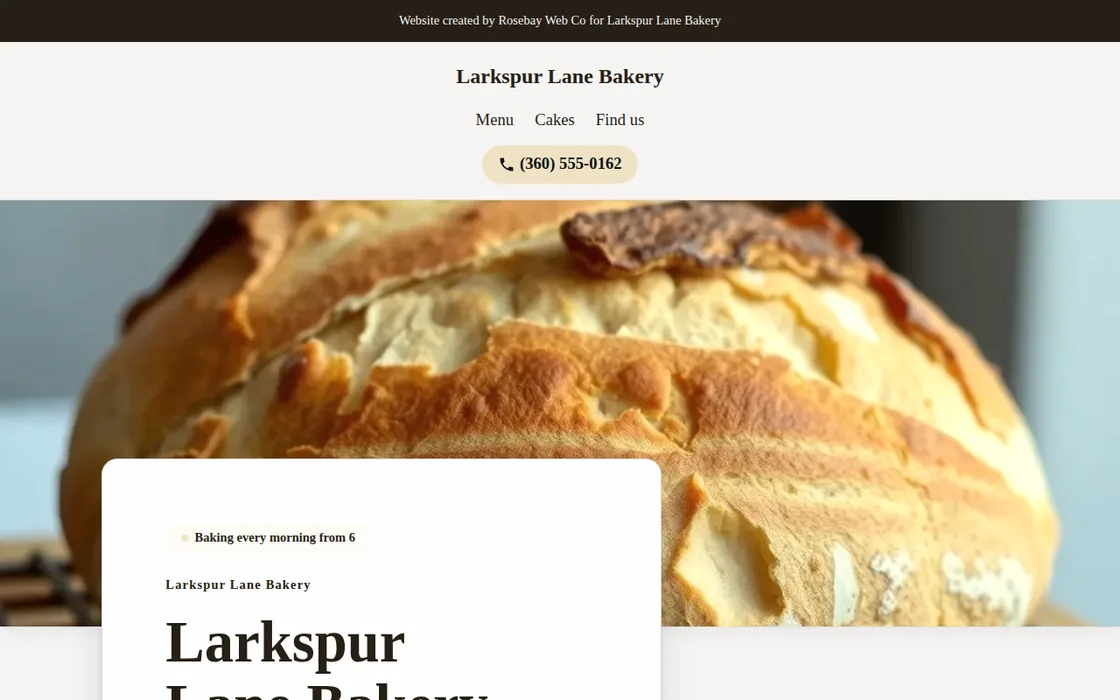
- Open the generated site and review each section thoroughly.
- Modify any element by typing plain-language instructions.
- Capture photos at the business location using your smartphone, then upload them directly from the site's page.
- Copy the website link, share your storefront link, or send an email from your own app.
A published website stays live online for 30 days before approval, unless you take it down earlier.
Frequently asked questions
Can I generate another site build for the same business?
Yes. Starting a new build creates a separate website with its own web address.
Where do the website's photos come from?
Photos are sourced from the existing web presence, user uploads, and industry-specific stock libraries.
What if the business details are wrong?
Tell our AI what to fix in plain words, or build the website again with the right details.
The business client prefers to submit their own details directly.
Send the business an intake form. We build the website from their answers.
Related guides
Screens and businesses shown are fictional.