Sending websites by email
Send a site through Outreach or your own inbox, with full control over when it goes out.
To send through us, connect your mailbox first. To send from your own email, there is nothing to set up.
Add a new client business
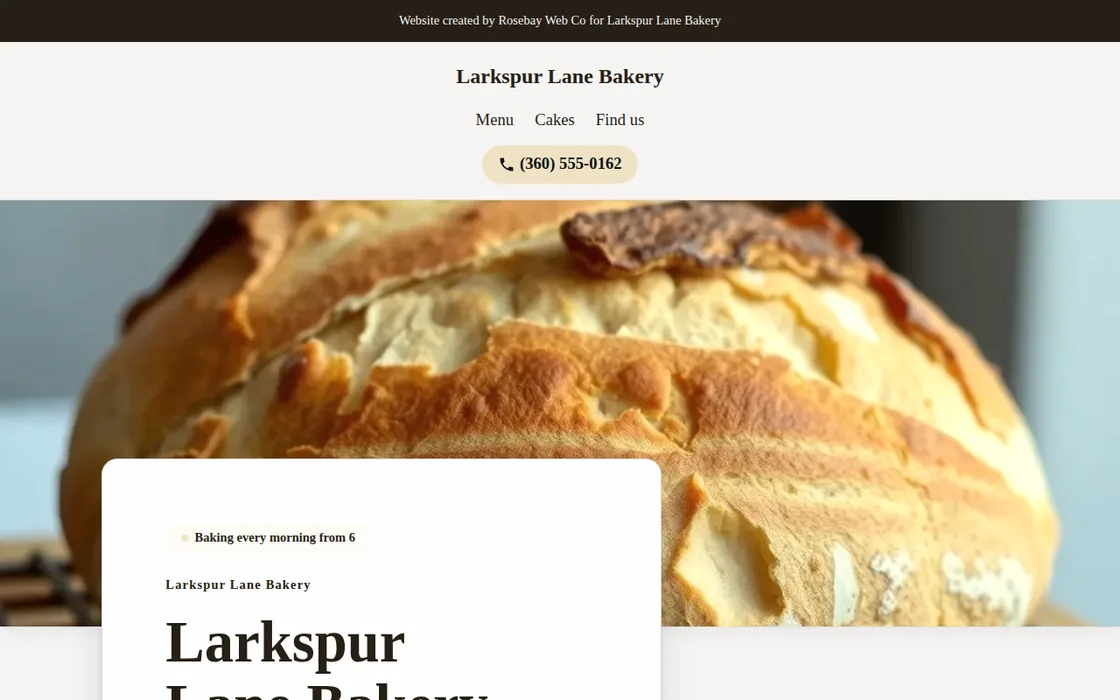
- Generate a website from a discovery result, then select Add to outreach adjacent to it on your dashboard or within the Outreach tab.
- Provide the published address of the business and the exact web page where it is displayed.
- Ironstone automatically generates the initial outreach email and two follow-up messages for your evaluation.
If the current website attributes a web designer, Ironstone routes the business to your call sheet for direct phone contact.
Review email drafts
- Review each message draft in the Review section of the Outreach tab.
- Approve the message, edit the content, or skip outreach for the business entirely.
- Edited drafts are automatically checked again before approval.
- Approved emails are sent right away, or one at a time at the pace you set.
You can turn on automatic approval for drafts that pass all checks. Ironstone adds the opt-out footer link when sending, so edits cannot remove it.
From your own email
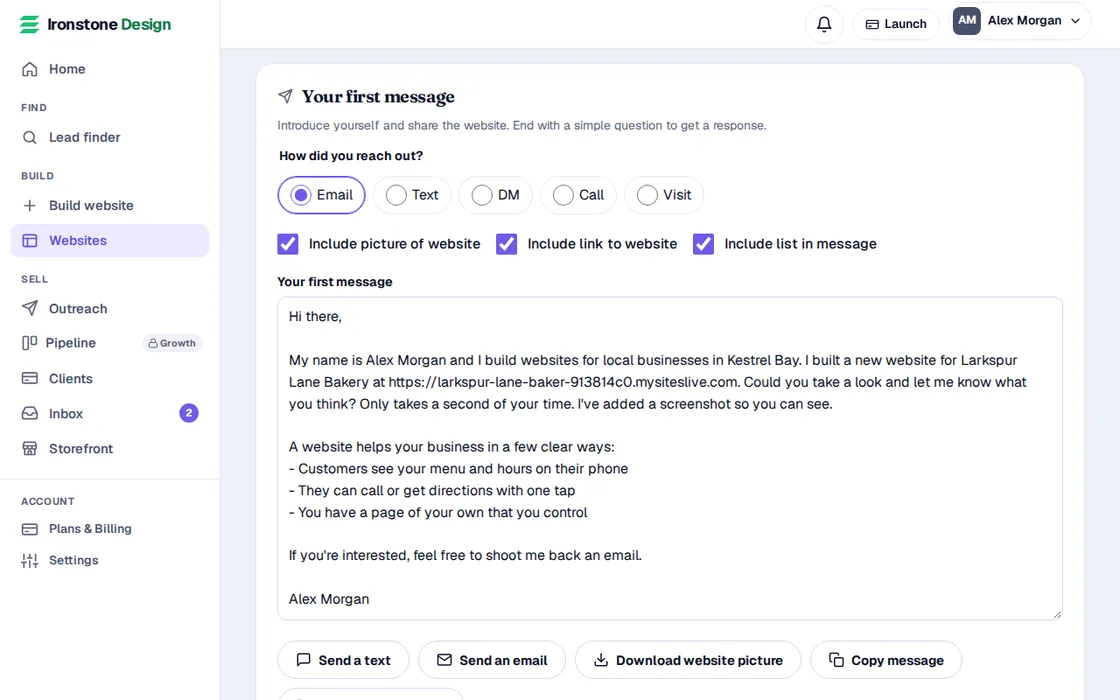
- Open the website's page from Websites, and go to Your first message.
- Under Send it from your own email, check the address, the subject and the end of your email.
- Press Open in your email app, or Gmail, Outlook or Yahoo Mail. Your email opens with everything filled in.
- Change anything you like and press send. Then press I sent it, and we remind you here when it is time to follow up.
You're the sender when it goes from your own email. US law asks a sales email to include your postal address and a way to opt out. If the message doesn't have your address, add it: a PO box or a virtual mailbox works. The end of your email has a line for a business that doesn't want to hear more, and your address when you've added it.
Frequently asked questions
Why did a business go to my call sheet instead of Outreach?
Outreach emails a business only at a public address from their page, and skips sites that credit a web designer. These businesses go to your call sheet instead, though you can still email them directly from your own inbox.
Are follow-up sequences canceled when a business responds?
Yes. Receiving any reply instantly terminates remaining follow-up emails for that business.
How long does the website stay live before the business approves it?
30 days, unless manually removed earlier by you or the business owner.
Related guides
Screens and businesses shown are fictional.