Taking down client websites
Remove unpublished websites anytime from your partner dashboard, or let businesses take down their own sites.
Steps
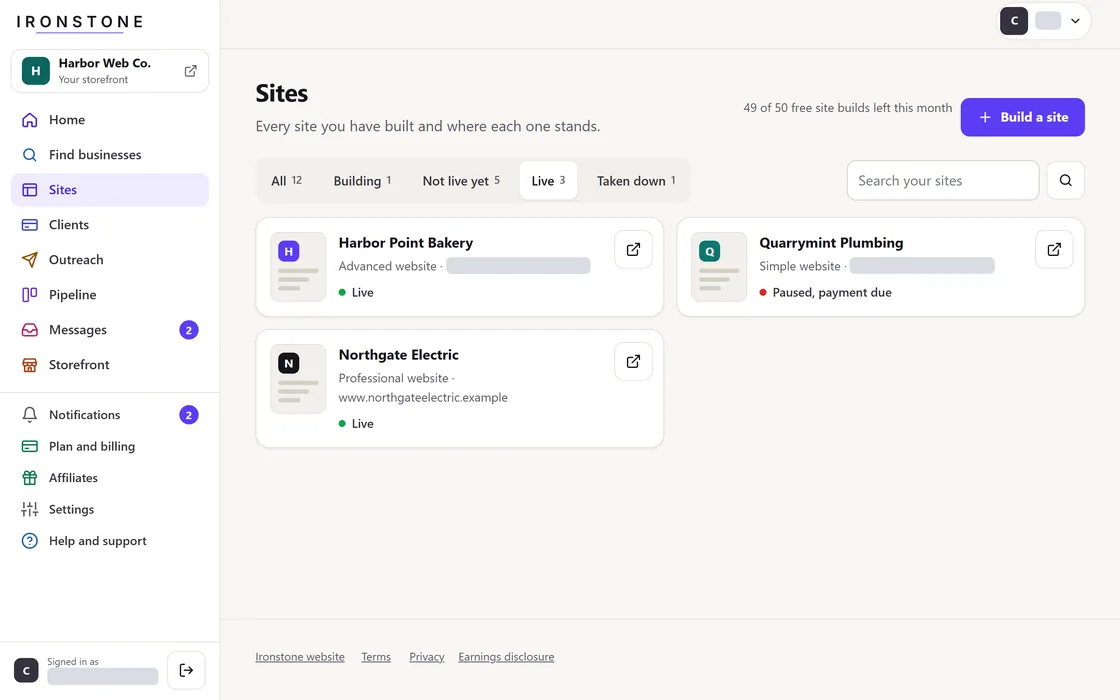
- Select Take down on the website's row in your account, or the business can remove it with the link at the bottom of the website.
- The domain instantly redirects to a standard offline notice page.
- Website files are permanently deleted from our servers, and your dashboard updates the status to taken down.
A published website stays live online for 30 days before approval, unless you take it down earlier.
Frequently asked questions
Can you restore a site after taking it down?
No. Site files are permanently deleted. Starting a new build creates a distinct site with a unique web address.
Status when a business requests site removal
Your dashboard updates to reflect the taken-down status, and visitors to the web address see a take-down notice.
Related guides
Screens and businesses shown are fictional.