 Ironstone
Managing client messages
Incoming replies appear in your Outreach tab within an hour, organized for quick review.
Steps
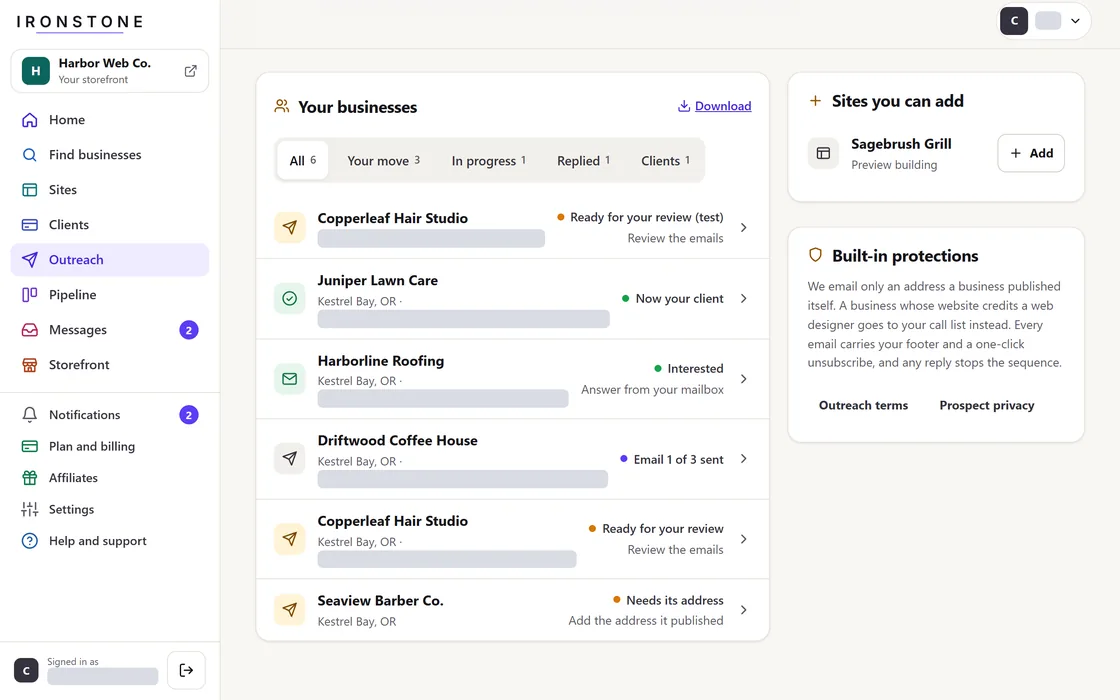
- Navigate to the Replies section within the Outreach tab.
- An interested reply marks the business High priority.
- An unsubscribe request automatically adds the email address to your suppression list.
- Any incoming response automatically halts automated follow-up sequences for that account.
A business that opens the link to your website twice is marked High priority too.
Frequently asked questions
An expected response is missing from my inbox.
Replies appear within an hour. Make sure your mailbox stays connected in the Outreach tab.
A business asked to opt out.
Their email address has been added to your suppression list, preventing all future automated outreach.
Related guides
Screens and businesses shown are fictional.