 Ironstone
Cancel your plan
Cancel your plan anytime under Plan & Billing; all client sites remain fully active.
Steps
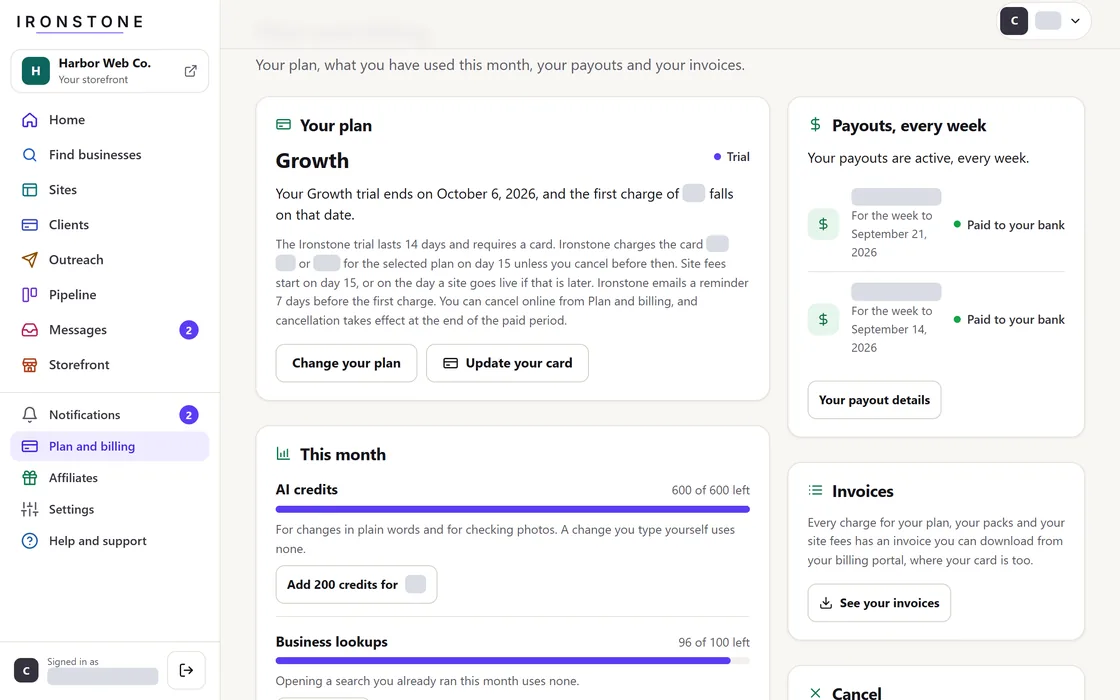
- Open Plans & Billing from the menu.
- Click Cancel your plan.
- Review and optionally decline any promotional retention offer on the following screen.
- Your active plan terminates at the end of the current billing cycle, and your account transitions to the Free plan.
During a trial, we email you a reminder 7 days before the first charge, with the same cancel link.
Frequently asked questions
What happens to my clients' sites?
All client sites remain active and unaffected following plan cancellation.
What happens to my storefront?
Your storefront stays active if you cancel or change your plan. You can delete your storefront in your settings at any time.
Related guides
Screens and businesses shown are fictional.