Earn affiliate commissions
Refer people who sell websites, and earn 15% of what they pay us for their first 12 months. Every Ironstone account has an affiliate link.
Generate affiliate link
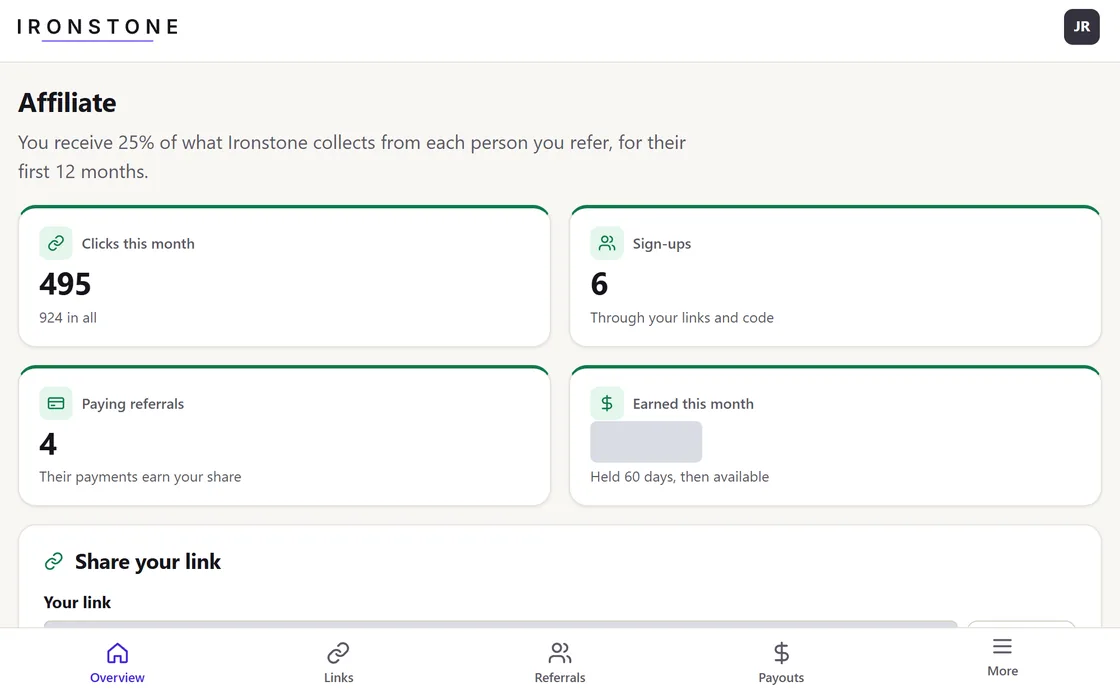
- Authenticate at app.ironstonedesign.com/affiliates using Google single sign-on or an email verification code, following standard Ironstone account creation procedures.
- Select Set up later during the storefront setup process if you intend exclusively to refer new partners.
- Open Referral program in the menu to find your link, your code, and who signed up.
Your referral link operates under the Affiliate Terms, which are formally accepted during account registration.
Distribute your referral links
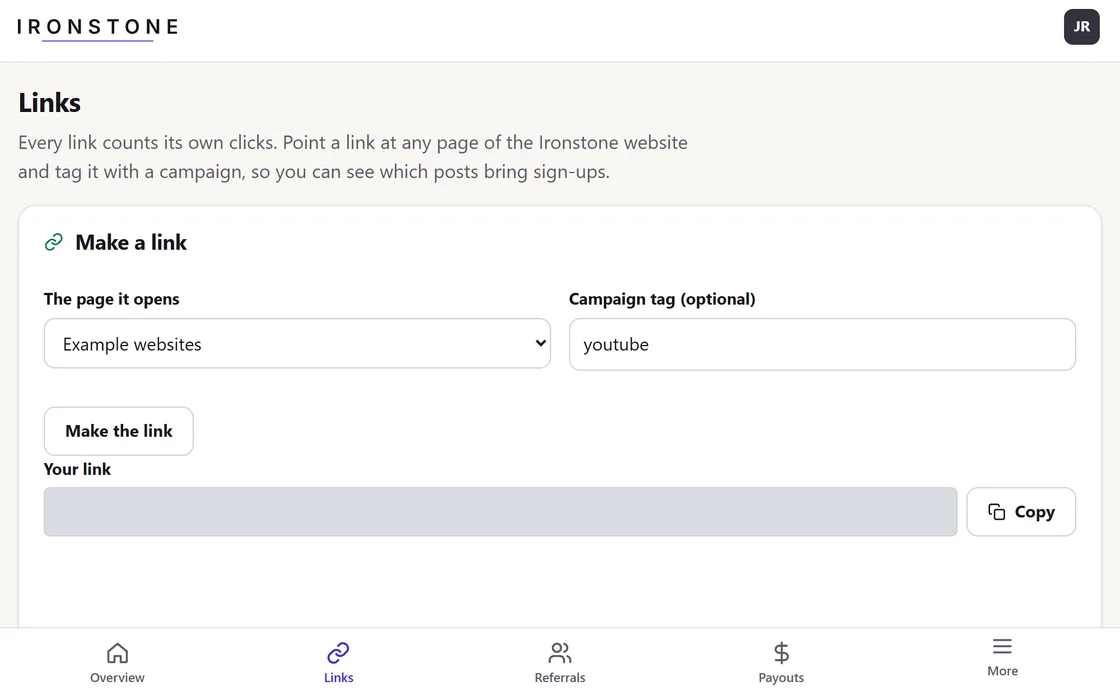
- Retrieve your primary referral link from the main dashboard, or navigate to the Links section to generate custom URLs.
- Set where your link takes people, and add custom tracking tags to see where your visits come from.
- Download a high-resolution QR code to add to printed materials or slides.
Every distinct campaign tag provides granular analytics for total clicks, new account registrations, and active paid subscriptions.
Referral Account Statuses
- Registered: the account signed up, but hasn't paid yet.
- Active subscriber: the account pays, and you earn your share each time.
- Ineligible: The account was registered under your own identity and does not qualify for commissions.
Dashboard reports display customer first names and last initials only, protecting all contact details.
Set your PayPal address for payouts
- Go to the Payouts tab.
- Enter your active PayPal account address and click Save to confirm.
- Monthly commission disbursements are automatically remitted to this designated address.
You must maintain an active PayPal account under this exact email address to receive disbursements.
Compliance guidelines
- Disclose your affiliate partnership clearly at the start of every post, video, and social media caption.
- Turn on the paid partnership label on each social platform you use.
- Focus content on platform capabilities and omit specific income figures or earnings claims.
- Review the Affiliate Terms for complete policy details.
The Affiliate Terms have the full text.
Frequently asked questions
Track your upcoming payout
Payouts are issued on the first of each month for all available funds to the PayPal address listed on your Payouts page.
Resolve discrepancies in your earnings
Open Referrals to see what each person earned you, and Payouts for your statements. Or write to us with their first name.
Understand tax requirements for affiliate income
Affiliate earnings count as taxable income, and your payout statements serve as official records. Submit required tax details before your first payout.
Related guides
Screens and businesses shown are fictional.